 Mortise Apps
 monday.comLinkLens Dependency Map
Why are my monday.com dependencies not moving dates?
You linked two items in the Dependency column, changed a date, and nothing happened. In most cases the dependency is fine: there is simply no date for it to move, or the board is set up so it is not allowed to.
Short answer: monday's dependency article says dependencies "shift existing dates in a Date or Timeline column; they don't create dates for items that are blank". Fill a date or timeline on every dependent item (a placeholder is fine), or add the Duration column (Timeline + Numeric combo), which fills a timeline from the number of days you type. If dates exist and still do not move, check the board's dependency mode: in No action items "will not shift automatically".
Checked 21 Oct 2026: monday's support article "Dependencies on monday.com" (last modified 22 Sep 2026). We have not reproduced each case on a paid board for this article; everything below is quoted or summarised from that documentation.
Five reasons nothing moves
| Symptom | Likely cause | What monday's article says |
|---|---|---|
| The dependent item has no date at all | Blank Date or Timeline cell | "The Date Column or Timeline Column will not auto-populate after you set your dependent items" |
| Dates exist, links exist, nothing shifts | Mode set to No action | Items "will only visually display dependency relationships ... without making any changes" |
| You changed one date, the other did not move | Flexible mode and no overlap | In Flexible, if there is "no overlap between the dates of its dependent item(s), no change will be made" |
| A multi-select date change did nothing | Batch edit on dated items | "Batch action changes to Date or Timeline Columns with dependencies are also not supported", except in No action mode |
| No Dependency column to add | Plan | The feature is "Available on Pro and Enterprise plans" |
Two more limits from the same article: "You can only add one Dependency Column per board", and the dependency settings ask you to pick one time column (a Date or Timeline column) when a board has several, so check that the column you are editing is the one you picked. "Subitem summary columns are not supported in the dependency settings."
Fix 1: give every dependent item a date
monday's troubleshooting section gives two options:
- Enter a placeholder date in the Date or Timeline column for each dependent item, "so the dependency chain has dates to shift".
- Use the Duration column.
Fix 2: the Duration column
Add the Timeline + Numeric Combo column. It creates "two columns side by side: a Duration Column and a Timeline Column". Then:
- Type the number of days in Duration. If the Timeline is empty, it fills "a date range starting from today based on the duration you enter".
- If the Timeline already has dates, changing the duration moves the end date and keeps the start date.
- Changing the timeline updates the duration, so the two always match.
On project boards the combo "is already built into the project board", so there is nothing to add. You can add durations before or after you set the dependencies; once timelines exist, date changes follow the mode you picked.
Fix 3: pick the mode that matches what you expect
- Strict: when an item's date changes, "the date of its dependent item(s) will automatically change in the exact same way". Use it if you expect every change to ripple down the chain. Lead and lag (a planned gap or overlap) only work in Strict.
- Flexible: dependent items move only when the new dates would overlap. A change that leaves a gap moves nothing, which often looks like a bug.
- No action: links and Gantt arrows only, no date changes. It is also the only mode where batch date edits work.
Our longer comparison of the three modes is in Flexible, strict or no action.
Batch dependencies leave dates empty too
On Enterprise project boards you can select up to 50 tasks and link them in one action. The article is clear that batch dependencies "do not automatically fill in dates for tasks that do not have a date or timeline yet". Add durations first (or afterwards) and the chain starts moving.
Seeing the chain once dates move
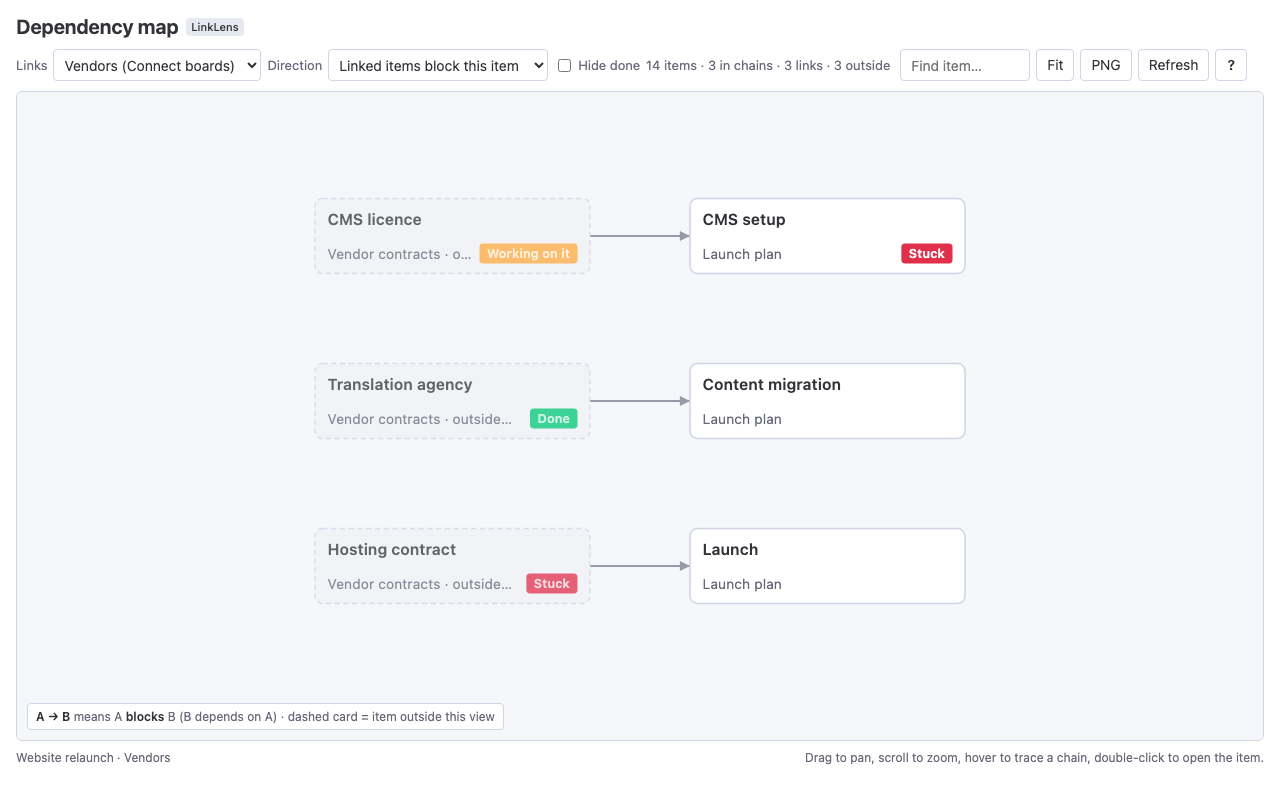
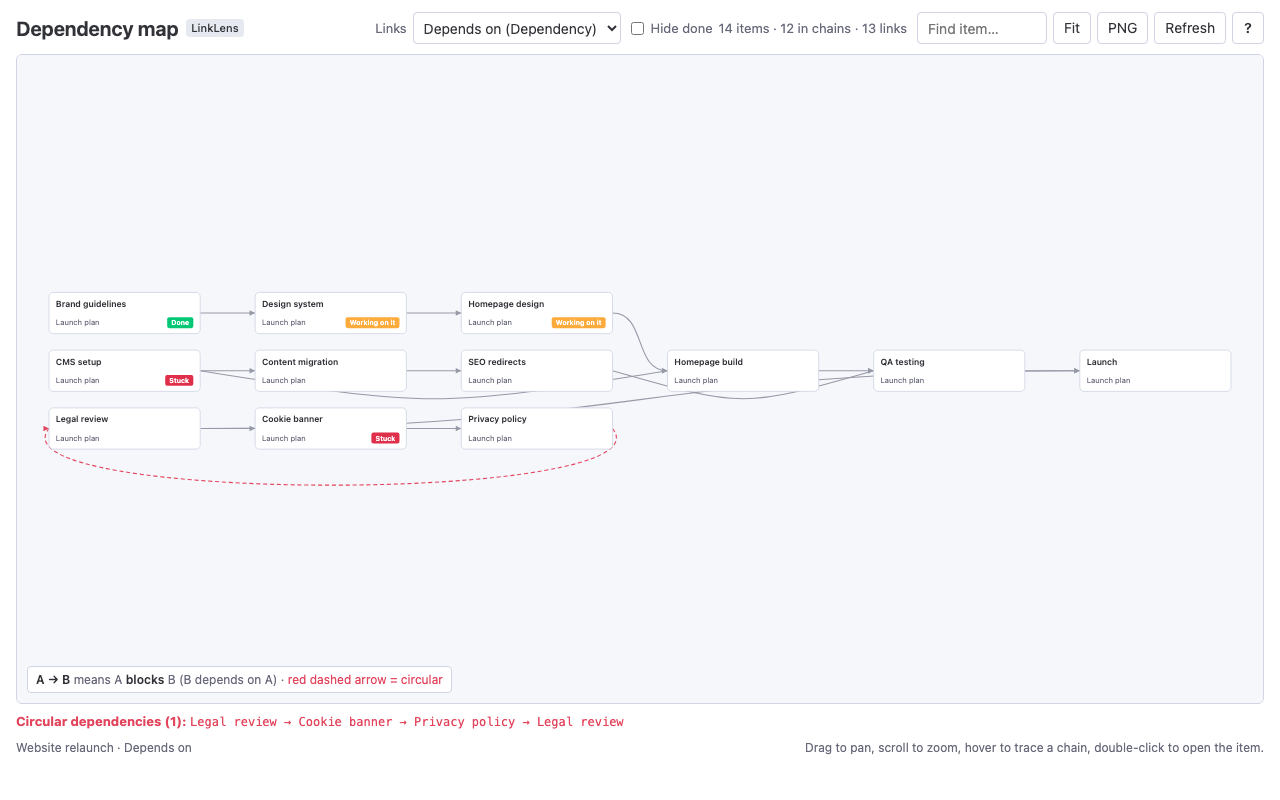
Shifting dates tells you when things will happen, not what is waiting on what. For that we make LinkLens Dependency Map, a monday.com board view that reads the Dependency column (or a Connect boards column) and draws every chain as one graph, with circular dependencies in red (walkthrough). It does not change dates, so it works alongside whichever mode you choose. The app is in monday's marketplace review.
FAQ
Why don't my dependent items get dates automatically in monday.com?
Because dependencies only move dates that already exist. monday's article: they "don't create dates for items that are blank". Add a placeholder date or use the Duration column.
Why do my monday.com dependencies show arrows but never move anything?
The board's dependency mode is probably No action, which only displays the relationships. Switch to Flexible or Strict in the Dependency column settings.
Why did changing one date not move the next task in Flexible mode?
Flexible only prevents overlaps. If your change still leaves the next task starting after the first one ends, nothing needs to move, so nothing does. Strict moves dependent items by the same amount every time.
Can I change dates for many items at once on a board with dependencies?
Only in No action mode. monday's article says batch changes to Date or Timeline columns with dependencies are not supported in the other modes.
What plan do monday.com dependencies need?
Pro or Enterprise, per monday's article. Batch dependencies are Enterprise only, on project boards.
Sources
- Dependencies on monday.com, monday support (last modified 22 Sep 2026, read 21 Oct 2026) - plans, one column per board, modes, blank dates, Duration column, batch dependencies, troubleshooting.