 Mortise Apps
 monday.comLinkLens Dependency Map
Can monday.com dependencies link items on different boards?
Your design team works on one board and your launch team on another, and a launch task cannot start until a design item is done. Can the monday.com Dependency column point at the other board?
Short answer: no. monday's API reference describes the Dependency column as a way "to set up item-to-item dependencies within the same board". To link an item to work on another board, use a Connect boards column, which "links an item on one board to one or more items on another board (or the same board)". The catch: a Connect boards link has no dependency logic. It does not shift dates and has no direction, so you decide what "blocked" means.
Checked 28 Oct 2026: monday's developer docs for the Dependency column and the Connect boards column, and the "Cross-board dependencies" feature request in the monday community. We have not tested every plan; everything below is quoted or summarised from those pages.
Dependency column vs Connect boards column
| Dependency column | Connect boards column | |
|---|---|---|
| Which items can it link? | Items "within the same board" | Items on "another board (or the same board)" |
| Has a direction? | Yes: the items listed are the items this item depends on | No: it only stores which items are linked |
| Moves dates? | Yes, through the board's dependency mode (flexible, strict, no action) | No |
| Shows on the Gantt? | Yes, "visualized in Gantt views" | Not described in the docs we read |
| API value type | DependencyValue with linked_item_ids | BoardRelationValue with linked_item_ids |
The API makes the difference concrete. The Dependency column's settings hold a boardIds list that the docs say "typically contains the current board's ID", plus a dependency_mode. The Connect boards column's settings hold boardIds too, but those are the boards "this column can connect to", and there is no mode, because nothing moves.
Why the Dependency column stays on one board
The date logic needs a Date or Timeline column on the same board: the developer docs say the mode "only has an effect when the board contains a Date or Timeline column". A request to "enable cross-board dependencies" has been open in the monday community's Feature Requests since about 2020, still marked "Gathering Feedback" when we read it.
How to set up a cross-board link
- On the board that waits (say, Launch), add a Connect boards column and pick the board that holds the blocking work (Design).
- In each Launch item, select the Design items it waits on. A cell can hold several items unless multiple items were turned off.
- Agree on the meaning as a team, for example "the items in this column block this item". The column itself does not say.
- Optional: when creating the column you can allow a two-way link; the API docs describe this as a "two-way (mirror) column" created on the connected board, so the Design board shows what waits on it.
Dates will not follow. If a Design item slips, the Launch item keeps its dates until someone changes them.
For API users
Both columns are read with the same pattern: query column_values with an inline fragment and read linked_item_ids or linked_items. Both are written with change_multiple_column_values and an item_ids array; change_simple_column_value is "not supported" for either. Two details from the docs:
- "Updating a dependency column replaces the entire list of dependencies." Read the current ids, append, then send the full list.
- The dependency type (finish-to-start and the others) "is configurable per dependency in the monday.com UI but is not currently exposed by the API".
Seeing the chain across boards
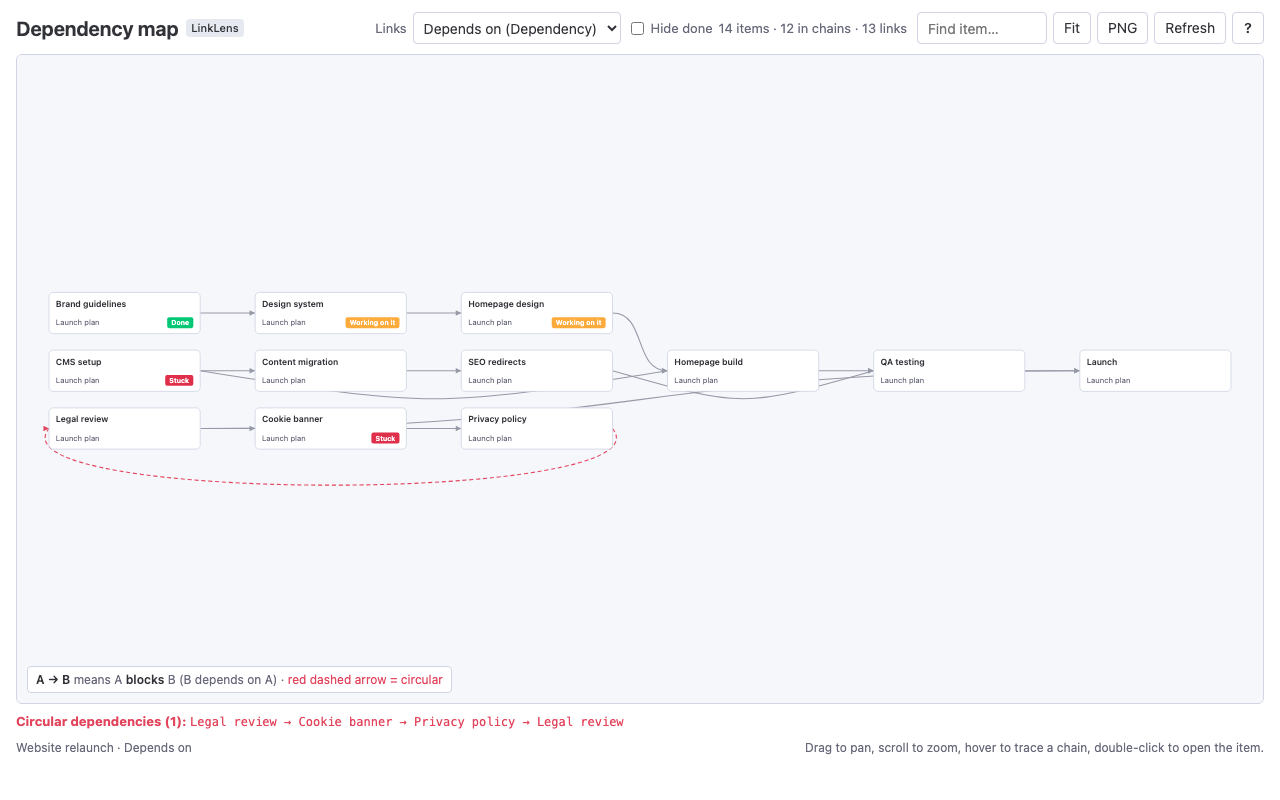
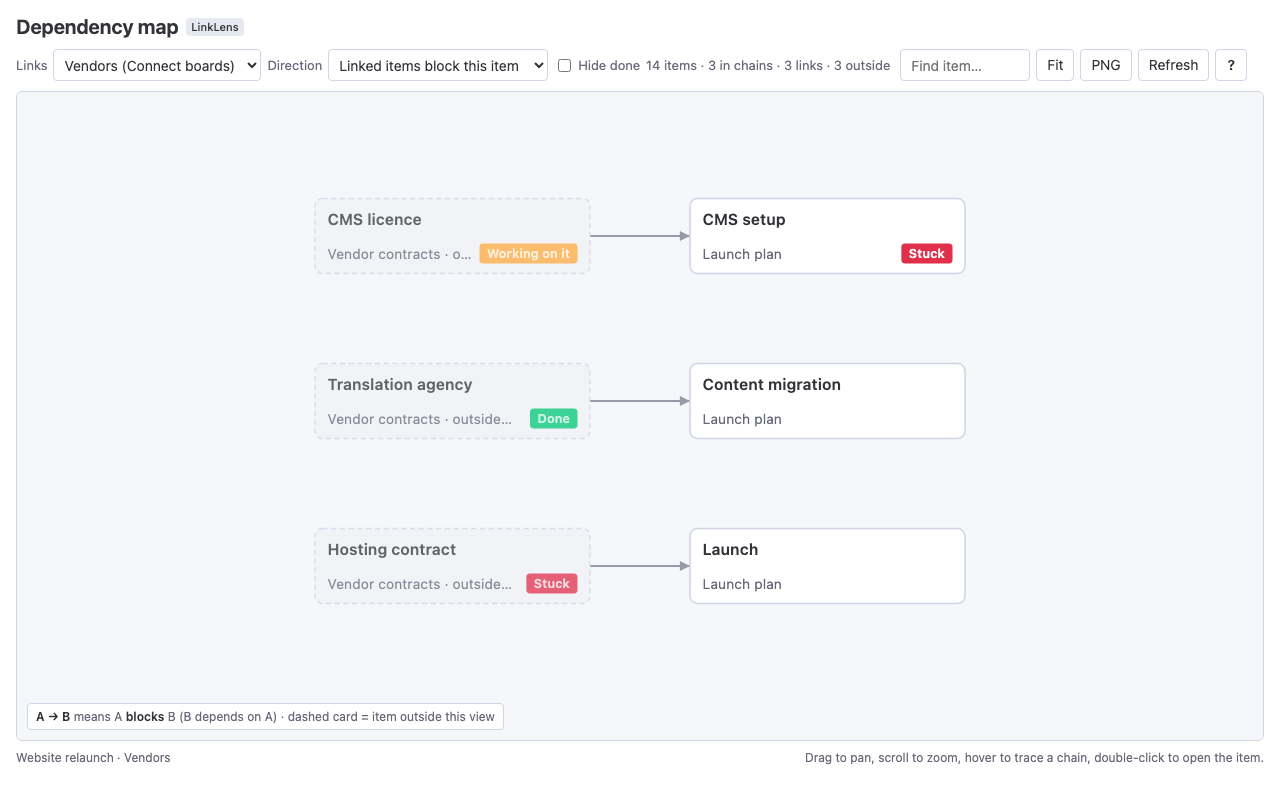
A Connect boards column tells you what is linked to one item, not how far a delay on another board spreads. For that we make LinkLens Dependency Map, a monday.com board view that reads the Dependency column or a Connect boards column and draws every chain as one graph. With a Connect boards column, items on other boards appear as outside cards with their board name and status, and you pick the direction ("linked items block this item" or the reverse). It is read-only and does not change dates. The app is in monday's marketplace review. More on reading a whole board: see every dependency chain on a monday.com board.
FAQ
Can I add an item from another board in the monday.com Dependency column?
No. monday's API reference describes the Dependency column as item-to-item dependencies "within the same board". Use a Connect boards column for items on other boards.
Does a Connect boards column move dates like a dependency?
No. It stores the linked item ids only. Date shifting (flexible, strict, no action) belongs to the Dependency column and works with a Date or Timeline column on the same board.
Can the API tell me whether a dependency is finish-to-start?
Not today. The developer docs say the relationship type "is not currently exposed by the API"; DependencyValue only returns which items are linked.
How do I add one dependency through the API without losing the others?
Query the item's current linked_item_ids, add the new id, and send the whole list with change_multiple_column_values. An update replaces the list.
Why do my monday.com dependencies not move dates at all?
Usually blank dates or the No action mode. See why monday.com dependencies are not moving dates.
Sources
- Dependency, monday.com API reference (read 28 Oct 2026) - same-board scope, settings (
boardIds,dependency_mode), modes need a Date or Timeline column, full-list updates, relationship type not in the API. - Connect Boards, monday.com API reference (read 28 Oct 2026) - links items on another board or the same board, settings, read and update mutations.
- Cross-board dependencies, monday community Feature Requests (read 28 Oct 2026) - open request, status "Gathering Feedback".