Mortise Apps
 JiraTeamLens for Jira
How do you create recurring issues in Jira Cloud without an app?
"Recurring issues" is one of the oldest requests on Atlassian's public tracker: JRACLOUD-5185 was opened in November 2004, collected 194 votes and 123 watchers, and was closed as Won't Fix in February 2015. People still arrive there from search in 2026, because the need did not go away: a monthly invoice task, a weekly on-call handover, a quarterly access review.
Short answer: Jira Cloud has no "repeat this issue" checkbox, and Atlassian does not plan one. The native way is a Jira Automation rule with the Scheduled trigger and a Create work item action. The trigger runs "at a fixed rate (for example, every 7 days)" or on a cron expression; the action creates the work item with the summary, assignee, team and due date you set. Each run spends automation steps from your plan's monthly allowance (Free 150 per subscription, Standard 400 per user, Premium 750 per user, Enterprise 1,000 per user, pooled across the organisation, read 11 Oct 2026), so one weekly task costs a handful of steps a month. One rule = one schedule; a series with skips, holidays or "the last working day" needs a cron expression or a Marketplace app.
What the ticket says, and what Atlassian did instead
JRACLOUD-5185 ("Recurring issues") is closed, but its comment thread runs to October 2026. The last comments all point the same way: use Automation's scheduled trigger for the simple cases, and an app when the schedule is more than a fixed interval. Atlassian's own position has been Automation since the feature became part of Jira Cloud.
Build the rule
- Project settings > Automation > Create rule, or Global automation when the task spans projects.
- Trigger: Scheduled. Pick a fixed rate such as every 7 days, or switch to a cron expression. Atlassian's trigger page: "You can run the flow at a fixed rate (for example, every 7 days), or use a Cron expression for more complex schedules." Leave the JQL box empty when the rule only creates something new; fill it when the rule should act on existing items ("actions in this flow will execute on the work items included in the query").
- Action: Create work item. Set project, type, summary, description, assignee, the Team field, components and labels. Smart values give each copy a dated summary, for example
Invoice run {{now.format("MMMM yyyy")}}, and a relative due date,{{now.plusDays(5)}}. - Optional second action: Send email or a Slack message so the owner sees the new item.
- Name the rule after the cadence ("Weekly on-call handover") and turn it on. Test with "Run rule" once, then delete the test item.
Cron expressions that come up
| Need | Cron (Jira uses the Quartz-style field order: seconds, minutes, hours, day of month, month, day of week) |
|---|---|
| Every Monday 09:00 | 0 0 9 ? * MON |
| First day of every month 08:00 | 0 0 8 1 * ? |
| Last day of the month 17:00 | 0 0 17 L * ? |
| Weekdays 07:30 | 0 30 7 ? * MON-FRI |
Times follow the rule actor's time zone in the rule's details; check it after daylight-saving changes.
What it costs: automation steps
Since Atlassian moved automation to a step allowance, every action a rule performs counts. On the usage page (read 11 Oct 2026): Free 150 steps per month per subscription, Standard 400 per user, Premium 750 per user, Enterprise 1,000 per user, and "your organization's total step allowance is the sum of all automation steps across your apps". A weekly rule with one create action and one notification uses about 8 to 10 steps a month. When the allowance is used up, flows stop until the billing date unless extra usage is enabled, which the same page prices at USD 0.50 per 1,000 additional steps; that billing "takes effect" on 3 December 2026.
Where the native rule stops
- One schedule per rule. "Every Monday, and also the 15th" is two rules.
- No series. The copies are independent work items: no link between them, no "skip this week", no end date other than disabling the rule.
- Templates. The created item is whatever the action defines; subtasks need extra Create actions in the same rule.
- Failures disable the rule: "Scheduled flows that reach a Failure status for 10 consecutive executions will disable automatically" (for example when the assignee loses project access). Check the rule's audit log monthly.
- Apps on the Marketplace add calendars, series and skips; two Forge apps announced themselves in the ticket's 2026 comments. We do not sell one.
Use the same trigger to keep team data clean
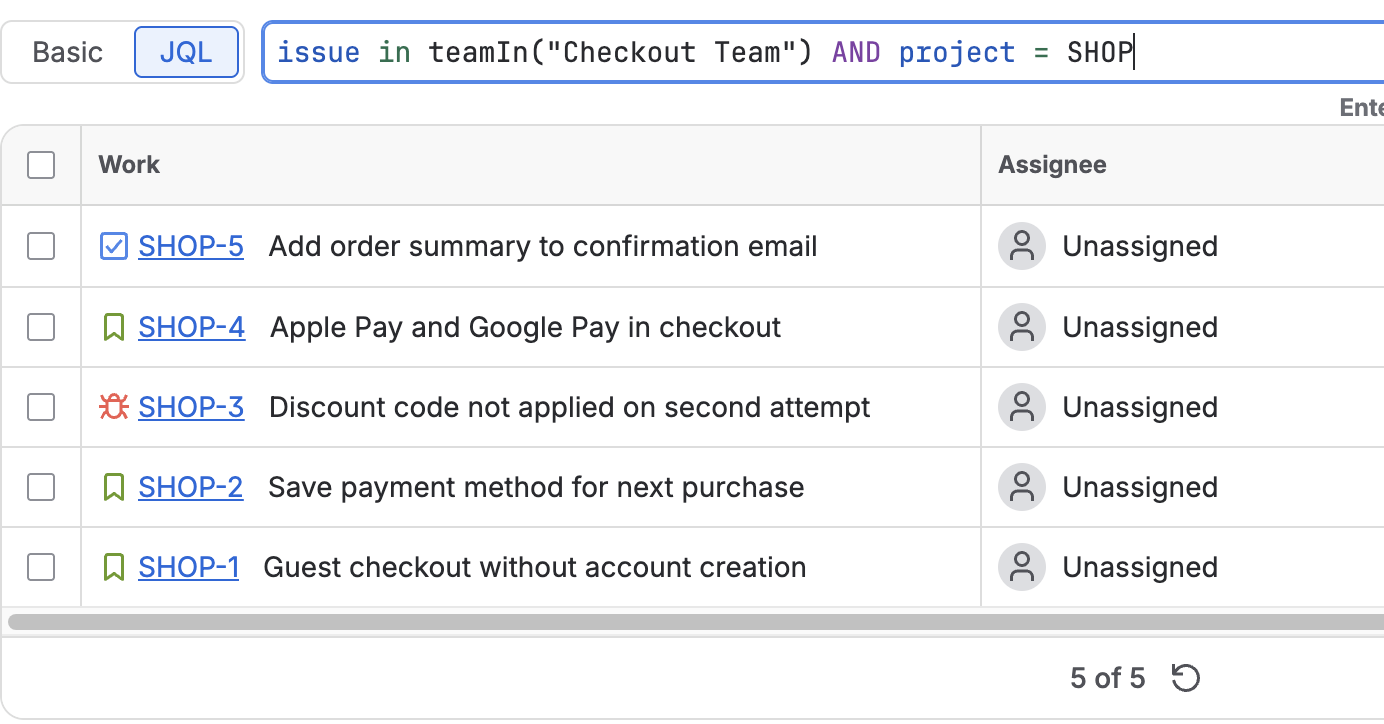
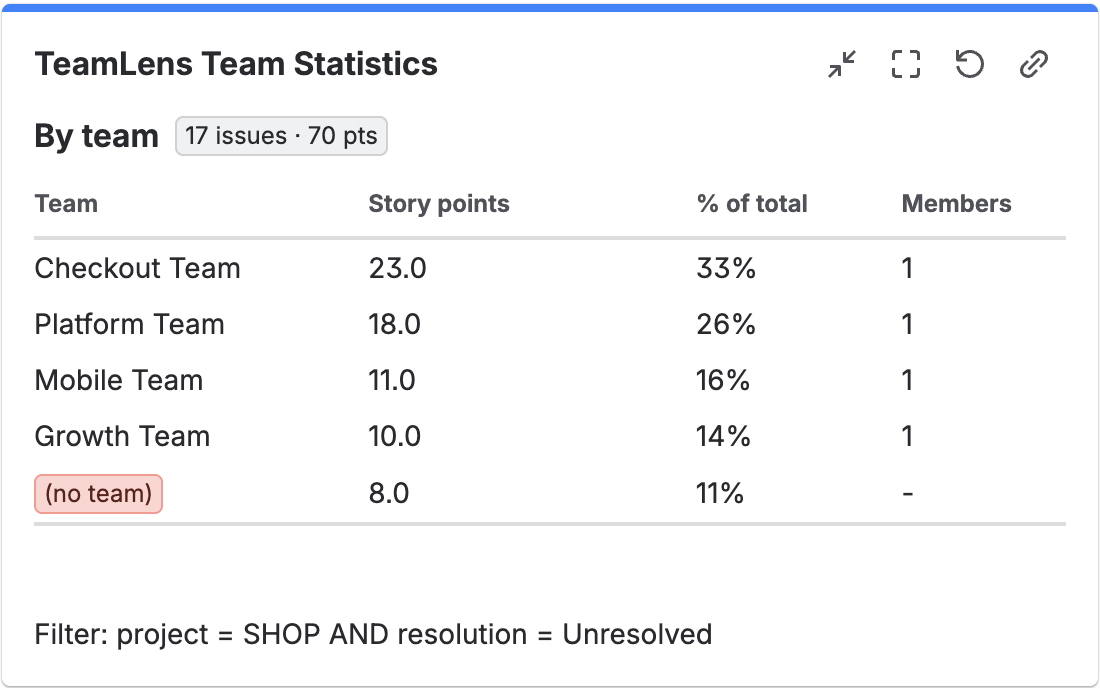
The scheduled trigger is also the simplest way to run a weekly hygiene check on the Atlassian Team field. With TeamLens for Jira installed, a rule with the Scheduled trigger, the JQL issue in noTeam() AND statusCategory != Done AND project = ABC, and a Comment or Edit action tags every open item that has no team, every Monday, before stand-up. The same pattern with issue in teamIn("Platform*") keeps a report filter current for every team whose name starts with Platform. The functions and their limits are in the JQL functions page.
Sources
- JRACLOUD-5185, Recurring issues, Atlassian public tracker: 194 votes, 123 watchers, created 10 Nov 2004, closed Won't Fix 20 Feb 2015, 50 comments to 4 Oct 2026. Read via the REST API on 11 Oct 2026.
- Jira automation triggers: Scheduled, Atlassian Support. Read 11 Oct 2026.
- How is my automation usage calculated?, Atlassian Support: step allowances per plan, pooling, extra usage from 3 Dec 2026. Read 11 Oct 2026.
- How to exclude a specific date without a complicated cron expression in Automation for Jira, Atlassian knowledge base: the Quartz cron format Automation uses (seconds first). Read 11 Oct 2026.
- TeamLens for Jira: JQL functions, teamIn() and noTeam().