Mortise Apps
 JiraTeamLens for Jira
What happens to Jira work when you merge, archive or delete an Atlassian team?
Atlassian is rolling out a way for admins to merge teams, next to the existing archive and delete. The three behave very differently for Jira. Merging combines the team profiles but, according to Atlassian's documentation, does not move Jira work items or saved filters to the merged team. Archiving keeps the team on its work items and in JQL, but moves its sub-teams up to its parent and does not put them back if you unarchive. Deleting shows "Unknown" in the Team field and unlinks the team from its hierarchy for good, while JQL keeps working. Before cleaning up teams, decide which of these your filters, boards and reports can live with.
Short answer: Merging teams does not move Jira work to the merged team: Atlassian's merge doc lists "Jira issues" and "Jira saved filters" as not supported. Archiving keeps the team on issues and in JQL, but re-parents its sub-teams, which changes the result of a hierarchy query such as descendantsOfTeam(). Deleting shows the team as "Unknown" on issues and unlinks it from its parent and sub-teams, even if you restore it.
The 72-second video version: Merge, Archive or Delete an Atlassian Team (YouTube). In 25 seconds each: merging does not move your tickets and archiving changes the team tree.
Checked 3 Oct 2026: Atlassian's support pages for merging, archiving and deleting a team, and the Atlassian Cloud changelog for 21 to 28 September 2026. We have not yet run a merge on a test site; the article says where the documentation is silent.
Why this matters now
Teams pile up. A reorganisation leaves "Platform", "Platform Team" and "Platform (old)"; an import creates duplicates. Atlassian's changelog for the week of 21 September 2026 introduced "Merge teams to organize your organization": admins "can now combine multiple teams into a single team within Atlassian administration" to "clean up duplicate teams". The same week brought native team support in Jira Automation and custom fields on team profiles, so more of Jira now depends on the team directory being tidy.
The catch is that the Team field on a Jira work item stores a team ID, not a name. Anything that cleans up teams can leave work items, filters and reports pointing at a team that no longer means what it used to.
Merge: profiles are combined, Jira work is not moved
Merging is a beta feature for site and organization admins on Standard, Premium and Enterprise. Atlassian's merge page lists what is carried over: "Members, Custom fields, Links, Containers".
It is just as explicit about what is not: "We do not currently support the merging of dependent features or integrations, including: Jira issues, Jira saved filters; Jira Service Management teams; Confluence permissions; Other product integrations."
In practice:
- Work items keep their old team. If "Platform (old)" is merged into "Platform", the issues that had "Platform (old)" in the Team field are not rewritten to "Platform".
- Saved filters keep their old team ID. A filter such as
"Team[Team]" = <id of the old team>does not start matching the merged team. - The documentation does not say what the old team shows after the merge, whether it is archived, deleted or left as it was. We have not tested it yet; this article will be updated when we have.
So a merge cleans the team directory, not the work. If you want one team on the work items afterwards, bulk-edit the Team field on the old team's open work before or after merging, then update the filters that use its ID.
Archive: the team stays on its work, the hierarchy changes
Atlassian recommends archiving over deleting "as archiving keeps historical connections and data". For Jira:
- Work items: the team "remains on issues with grey team avatar, but team is not assignable to new work".
- JQL: "JQL queries referencing the team still work."
- Hierarchy: "If the team has both a parent and child teams, the child teams will be moved up and connected to the grandparent team." And: "When you unarchive a team in a team hierarchy, the original team hierarchy will not be reinstated."
The last point is the one that surprises people. Say "Engineering" has a sub-team "Payments", which has two sub-teams. Archive "Payments", and its two sub-teams now report straight to "Engineering". Unarchive it, and they stay there. Any query or report built on the tree, such as "Team[Team]" in descendantsOfTeam("<Payments id>"), now returns only the work of "Payments" itself, without its former sub-teams. Nothing in the filter changed; the tree did.
Delete: "Unknown" on issues, the hierarchy is cut
Deleting is the strongest option. Atlassian's delete page says:
- Work items: "In Jira issues, the Team field will display Unknown when the team is deleted." The data comes back if the team is reactivated, which is possible within 30 days.
- JQL: "The JQL query will keep working even after the team is deleted."
- Hierarchy: "The team will be unlinked from its parent or sub-teams, even if you restore it later."
- Automation: rules that use the team "become inactive and must be reactivated manually".
A deleted team therefore still matches JQL by its ID, but people looking at the work see "Unknown", automation built on it stops, and the tree around it does not come back.
The three side by side
| Merge (beta) | Archive | Delete | |
|---|---|---|---|
| Team on existing work items | Not moved to the merged team | Stays, grey avatar | Shows "Unknown" |
| Assignable to new work | Not documented | No | No |
| JQL on the old team's ID | Not documented | Still works | Still works |
| Saved filters | Not merged | Unchanged | Unchanged |
| Sub-teams | Not documented | Moved up to the grandparent, not restored on unarchive | Unlinked, not restored |
| Automation | Not documented | Not documented | Rules become inactive |
| Undo | Not documented | Unarchive (hierarchy not restored) | Reactivate within 30 days (hierarchy not restored) |
A safe order for cleaning up teams
- List what depends on the team. Search
"Team[Team]" = <team id>for open work, and look for saved filters, boards, dashboards and automation rules that use the ID. - Move open work first. Bulk-edit the Team field on open work items to the team that will remain.
- Fix filters and automation. Point them at the remaining team, or at a query that does not depend on the old ID.
- Write down the hierarchy if the team has a parent or sub-teams, because archiving or deleting changes it for good.
- Then merge, archive or delete. Prefer archive when the old team should stay visible on closed work.
- Re-run the reports that depend on the tree, and compare with the numbers from before.
How TeamLens fits
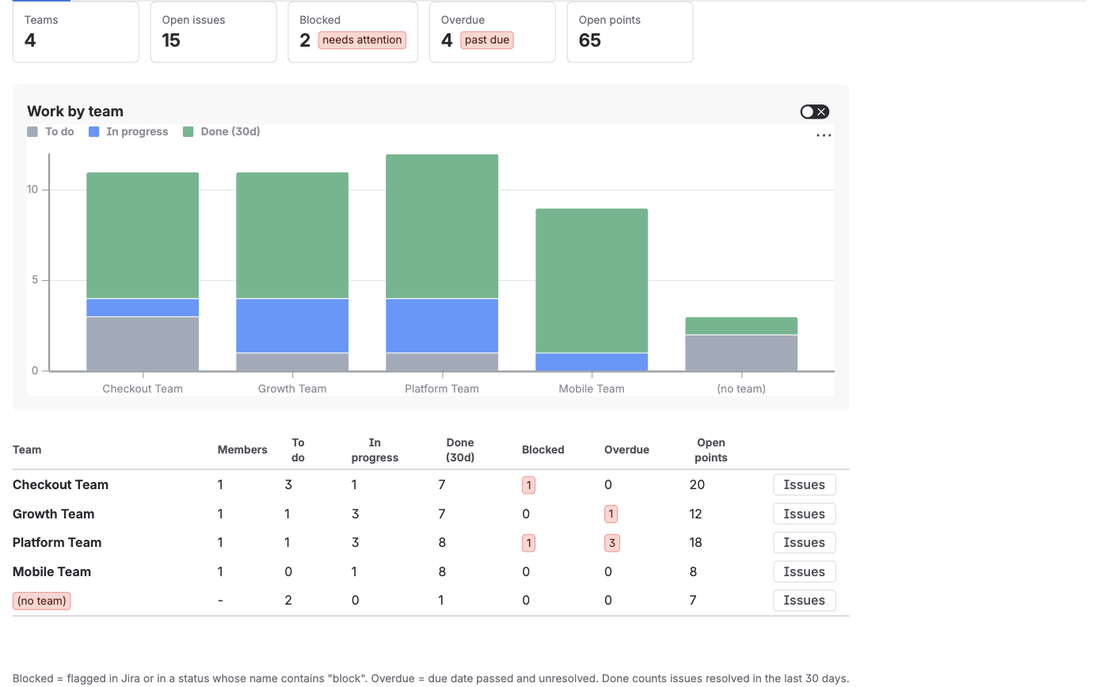
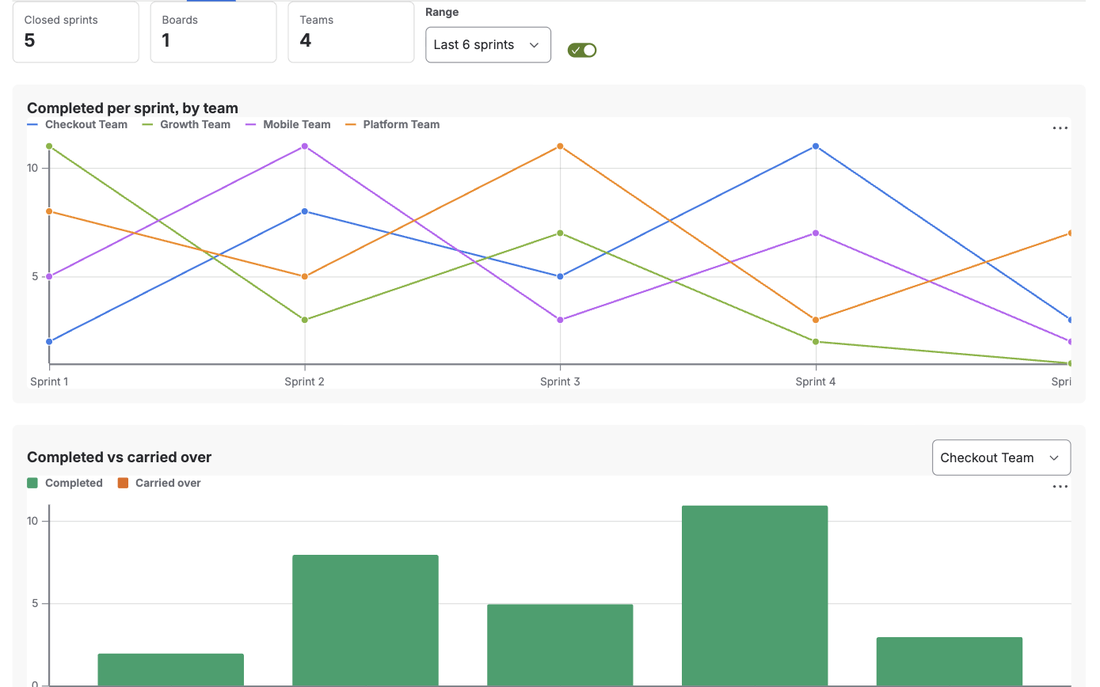
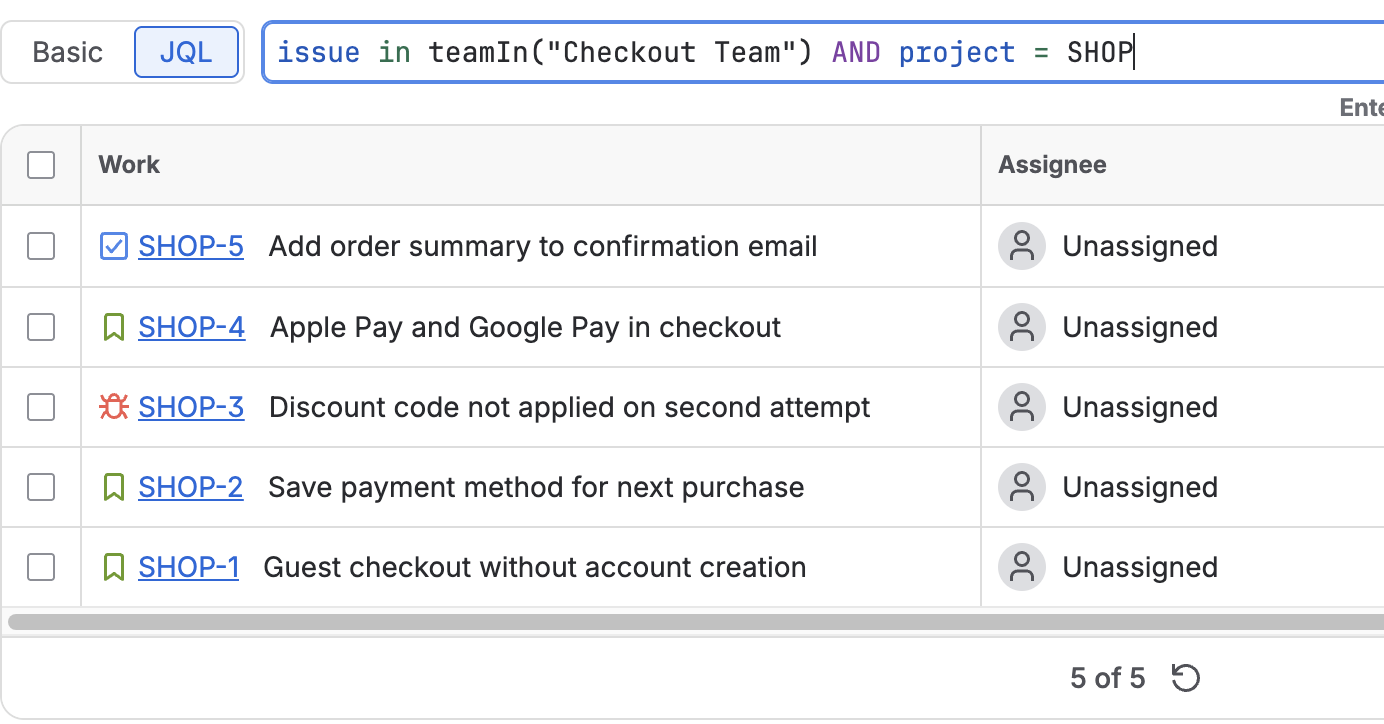
TeamLens for Jira adds teamIn() and noTeam() to JQL. teamIn("Platform") matches by the team's current name, so a filter written that way follows a rename without editing any ID. noTeam() finds work with an empty Team field, which is the list to check after a clean-up. Its team reports group work by the Team field as it is on the work items, so they show the effect of a merge, archive or delete as it really landed. TeamLens does not change teams or work items; it only reads them.
FAQ
Does merging Atlassian teams update the Team field on Jira issues?
No. Atlassian's merge documentation lists Jira issues and Jira saved filters among the things a merge does not support, so issues keep the team they had. To move work to the merged team, bulk-edit the Team field.
What does an archived team look like on a Jira issue?
The team stays on the issue with a grey avatar and cannot be assigned to new work. JQL that references it still works.
What happens to sub-teams when a team is archived?
They move up to the archived team's parent. Unarchiving the team does not put them back, so hierarchy queries such as descendantsOfTeam() return different results afterwards.
Does JQL still work after a team is deleted?
Yes. Atlassian says a JQL query on the team keeps working, but the Team field shows "Unknown" on the work items and automation rules that use the team become inactive.
Sources
- Merge teams, Atlassian Support - beta, admin roles and plans, what is included, and "We do not currently support the merging of ... Jira issues, Jira saved filters".
- Archive a team, Atlassian Support - work items keep the team, JQL works, child teams move to the grandparent, the hierarchy is not reinstated on unarchive.
- Delete a team, Atlassian Support - "Unknown" in the Team field, JQL keeps working, hierarchy unlinked, automation inactive, 30 days to reactivate.
- Atlassian Cloud changes Sep 21 to Sep 28, 2026 - "Merge teams to organize your organization", native Teams support in Jira Automation, custom fields for team profiles.
- Team field in Jira REST API, Atlassian Developer - the Team field stores a team ID.